
In today’s digital landscape, design teams face increasing pressure to deliver standout visuals at an accelerated pace. With hybrid and remote workflows becoming the norm, creative professionals must juggle multiple feedback loops, ensure brand consistency, and meet tight deadlines across different time zones. Generative design tools have emerged as a powerful ally in this environment, harnessing advanced AI and machine learning to automate repetitive tasks, inspire fresh concepts, and promote seamless collaboration among designers, marketers, and stakeholders.
Instead of relying solely on manual sketching and iterative mock-ups, organizations can now leverage generative design tools to instantly produce a variety of layouts, color palettes, and typography treatments. Prebuilt templates and style guides baked into these platforms help teams maintain on-brand visuals from concept to final export. By shifting routine adjustments and preliminary drafts to intelligent algorithms, designers can dedicate more time to refining user experience, exploring strategic messaging, and crafting unique visual narratives.
As we navigate this year (2026), adopting generative design tools is no longer an experimental trend but a strategic necessity. Leading brands and agencies recognize that integrating AI-driven workflows enables parallel ideation, real-time feedback, and faster approval cycles without sacrificing creativity or quality. Over the following sections, we’ll examine how generative design tools are reshaping modern workflows, highlight their key benefits, outline best practices for implementation, explore real-world applications, and offer a step-by-step guide to onboarding your own team for success.
The Rise of Generative Design Tools in Modern Workflows
Over the last few years, generative design tools have evolved from niche research prototypes into robust platforms used by global enterprises, startups, and design studios. Early iterations focused on computational geometry and parametric modeling, enabling architects and engineers to optimize forms based on performance criteria. Today’s solutions expand on that foundation by incorporating neural networks capable of understanding visual language, interpreting style guidelines, and generating assets in familiar formats like JPEG, PNG, and SVG.
Driving this transformation is the confluence of accessible cloud compute, open-source AI frameworks, and vast libraries of training data. The rise of APIs from major technology providers has lowered the barrier to entry, allowing small teams to integrate generative design capabilities directly into their existing project management and version control systems. As a result, creative professionals no longer need to be coding experts or data scientists to leverage machine learning in their day-to-day work.
In today’s environment, companies across industries—from e-commerce to publishing to education—are experimenting with generative design tools to accelerate asset production and refine brand identity. For instance, a marketing department can spin up dozens of banner variations automatically, while a UX team can generate wireframe alternatives overnight. With AI managing the heavy lifting of layout adjustments and color harmonization, human designers focus on high-level storytelling and user-centered research.
By democratizing access to advanced computational design methods, these tools foster a more inclusive creative ecosystem. Stakeholders who may not possess formal design training can participate by suggesting prompts, reviewing iterations, and sharing feedback directly within the platform’s collaborative workspace. This democratization has contributed to a rapid expansion of generative design adoption, making it a cornerstone of efficient workflows in today’s fast-moving market.
Key Advantages of Generative Design Tools for Collaborative Teams
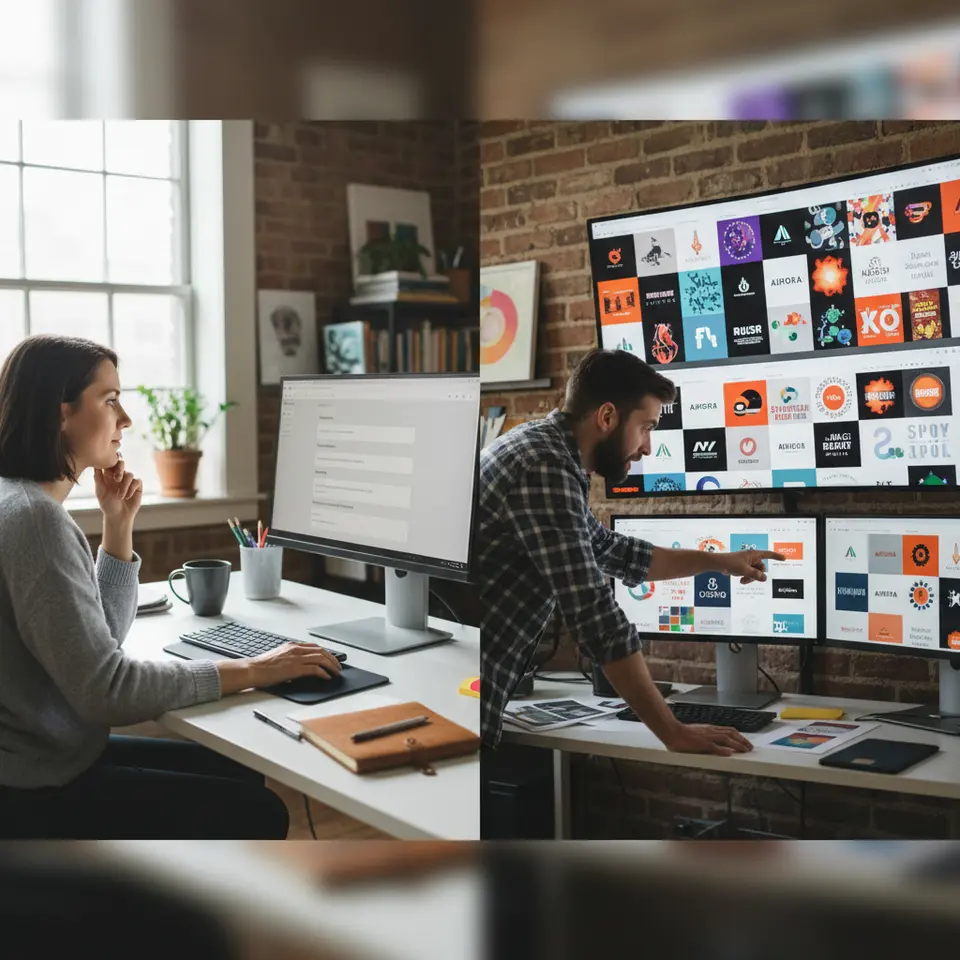
Generative design tools bring a host of benefits to organizations aiming to tighten collaboration and maintain high creative standards. Below are some of the most impactful advantages teams experience when integrating AI-powered design workflows.
Accelerated Ideation and Variation Generation
One of the most celebrated features of generative design tools is their ability to produce multiple iterations from a single prompt. Instead of spending hours sketching or manually adjusting layouts, designers can input key parameters—such as brand colors, typography preferences, and layout constraints—and receive dozens of unique variations within minutes. This rapid feedback loop not only fuels creative spontaneity but also uncovers unexpected solutions that may not emerge through conventional brainstorming.
Consistent Brand Compliance
Maintaining a unified brand identity across diverse channels is a perpetual challenge for growing organizations. Generative design platforms address this by embedding approved logos, color palettes, fonts, and tone-of-voice guidelines directly into the system. As a result, every AI-generated asset inherently aligns with corporate standards, reducing the need for manual style checks and minimizing the risk of off-brand collateral slipping into production.
Real-Time Feedback and Iterative Refinement
Cloud-based generative tools enable stakeholders to review and annotate designs in real time, accelerating approval cycles. Instead of relying on email attachments or disparate file-sharing services, teams can leave comments directly on draft outputs, trigger new renderings based on feedback, and track revision history seamlessly. This transparency cultivates accountability, encourages collective ownership of creative decisions, and shortens the time from concept to launch.
Inclusive Collaboration Across Geographies
With remote and distributed teams becoming commonplace, inclusive collaboration is more crucial than ever. Generative design platforms offer centralized workspaces where contributors—whether they’re in-house designers, freelance illustrators, or executive stakeholders—can access the latest files, propose edits, and view progress updates at any time. This level of accessibility ensures that cultural, linguistic, and time-zone differences do not impede the creative process.
Implementing Generative Design Tools: Best Practices
Adopting any new technology requires a structured approach to maximize return on investment. When introducing generative design tools, consider the following best practices to ensure a smooth transition and long-term success.
Define Clear Objectives and Constraints
Before generating your first asset, establish specific goals and guardrails. Determine what types of deliverables you need—such as social media graphics, email templates, or website mock-ups—and outline size constraints, color usage, and brand messaging. Documenting these guidelines upfront helps the AI produce outputs that are immediately relevant and reduces back-and-forth revisions.
Curate High-Quality Training Data
Most generative design platforms allow you to upload proprietary assets—logos, style guides, image libraries—that inform the AI’s output. Invest time in organizing and tagging these resources to create a clean dataset. The quality of input materials directly influences the accuracy and appeal of generated designs, so prioritize fidelity and consistency in your training library.
Integrate with Existing Workflows
Seamless integration is key to user adoption. Look for generative design tools that connect with your project management systems (e.g., Jira, Asana) and version control platforms (e.g., Git, Dropbox). Establish single sign-on (SSO) where possible to streamline access, and configure automated notifications to alert team members when new iterations are available for review.
Iterate, Review, and Refine
Treat AI outputs as an initial draft rather than a finalized product. Schedule regular review sessions where designers and stakeholders can evaluate generated variations, suggest prompt modifications, and vote on preferred directions. This iterative mindset not only improves quality but also helps train the AI to better understand your unique brand voice over time.
Invest in Training and Upskilling
To fully leverage generative design tools, provide team members with training on effective prompt engineering and platform features. Offer internal workshops or share curated tutorials, and encourage a culture of experimentation. The more familiar your designers become with crafting precise prompts, the more relevant and polished the AI-generated drafts will be.
Real-World Applications and Use Cases
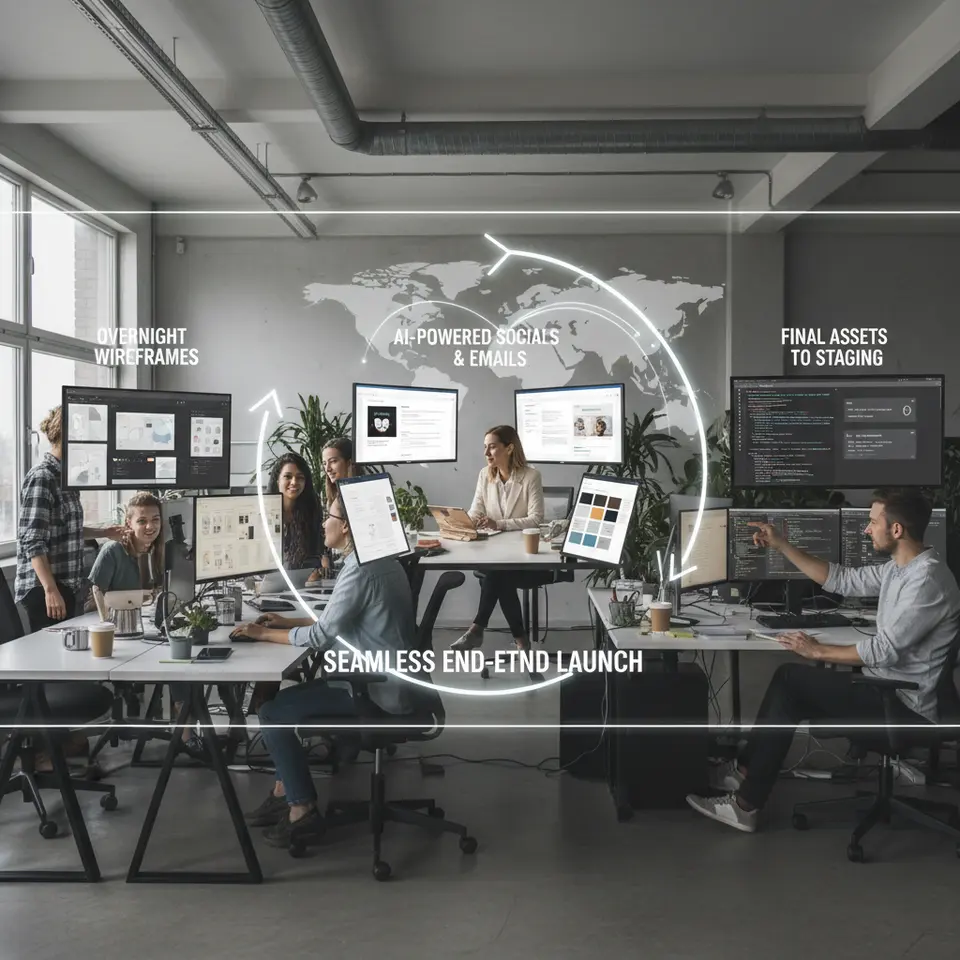
Successful adoption of generative design tools can be seen across various industries. From marketing campaigns to product launches, these AI-driven solutions are reshaping how organizations bring ideas to life.
Hybrid Team Product Launch
Imagine a cross-functional group spread across multiple time zones preparing for a new product debut. The UX team uses generative design tools to produce wireframe variations overnight based on a detailed brand playbook. Meanwhile, marketing specialists generate campaign visuals—social ads, email headers, landing page banners—by inputting product images and style guidelines. Developers then export assets directly into a staging environment, accelerating front-end prototyping and ensuring alignment between design and code.
Rapid Prototyping for Higher Education
Schools and universities are experimenting with generative design tools to create engaging collateral for recruitment and fundraising. By integrating research from institutions like National Institute of Standards and Technology and best practices in accessibility, design teams can quickly iterate brochures, web banners, and event posters that meet strict compliance standards.
Government and Public Sector Initiatives
Public agencies leverage generative platforms to develop infographics, policy briefs, and community outreach materials. For example, a health department might partner with NASA on data visualization, using AI to render complex datasets into clear, on-brand graphics that inform and engage citizens.
Onboarding Teams and Measuring Success
Rolling out generative design tools effectively requires thoughtful planning and ongoing evaluation. Follow this roadmap to welcome team members and gauge impact over time.
Select the Right Platform
Evaluate options based on template libraries, collaboration features, API access, and integration capabilities. Prioritize tools that offer granular permission settings and robust analytics dashboards.
Configure Brand Assets and Workspaces
Upload logos, color palettes, typography scales, and tone guidelines. Set up shared folders and review channels to centralize feedback. Define user roles—editors, viewers, administrators—and assign appropriate access levels.
Create Prompt Engineering Guidelines
Develop an internal playbook that outlines best practices for writing effective prompts. Include examples of successful queries, common pitfalls to avoid, and troubleshooting tips for unexpected outputs.
Pilot, Iterate, and Scale
Start with a small, high-impact project to showcase quick wins. Collect qualitative feedback from participants, refine processes, and gradually expand usage across departments.
Monitor Key Performance Indicators
Track metrics such as turnaround time, number of iterations per asset, stakeholder satisfaction scores, and cost savings in resource allocation. Use these insights to demonstrate ROI and guide future enhancements.
FAQ
Q: How do generative design tools maintain brand consistency?
A: By embedding approved style guides—color palettes, fonts, logos, and tone guidelines—directly into the platform, ensuring every generated asset adheres to corporate standards automatically.
Q: What key metrics should we track to measure success?
A: Focus on turnaround time, number of iterations per asset, stakeholder satisfaction scores, and cost savings in resource allocation to evaluate ROI and streamline processes.
Q: How can teams improve the quality of AI-generated designs?
A: Provide high-quality training data, refine prompt engineering through internal best-practice playbooks, and establish regular review sessions to guide iterative improvements.
Conclusion
Generative design tools are revolutionizing how creative teams operate in today’s fast-paced environment. By harnessing AI to automate routine tasks, generate diverse layout options, and enforce brand guidelines, organizations can significantly reduce project timelines and empower designers to focus on strategic, high-value work. Adopting clear objectives, curating quality assets, integrating with existing systems, and fostering an iterative, collaborative culture are essential steps toward unlocking the full potential of these platforms.
As we move forward this year (2026), the synergy between human creativity and machine intelligence will only deepen. With a structured onboarding plan and ongoing performance measurement, your team can harness generative design tools to deliver innovative, on-brand content faster than ever before, maintaining a competitive edge in today’s digital marketplace.